Routing records
A route connects a source to a pipeline. Its condition decides which input records enter that pipeline. Delivery rules then choose destinations for the result.
Every matching route runs
Routes have no first-match order. If two routes match a record, both pipelines run. A route with no condition matches every record from its source.
For example, give one route no condition to archive all records, and a second route the
condition includes(_raw, "ERROR") to process errors. An error record runs through both
pipelines. If both deliver to the same destination, that destination can receive both outputs.
Split records between pipelines
To send each record through only one of two pipelines, make their conditions mutually exclusive:
| Pipeline | Route condition |
|---|---|
| Errors | includes(_raw, "ERROR") |
| Other records | !includes(_raw, "ERROR") |
Route conditions run before pipeline steps. Use the raw text or fields the source supplies. To choose destinations using parsed or calculated fields, use delivery conditions instead.
A record that matches no route is Unmatched; set its answer in the Exceptions on Routes. It blocks by default. Choose its answer deliberately; a
record your routes overlook can pause the source. See handling unmatched records.
Choose destinations
Delivery conditions read the pipeline's output. For example, after parsing status as an integer, status >= 500 can send server errors to an error destination.
Check delivery conditions for overlap too. Smeltr can send a record to more than one
destination. A null condition counts as false. Route and delivery conditions do not support
array map or filter calls.
Preview the result
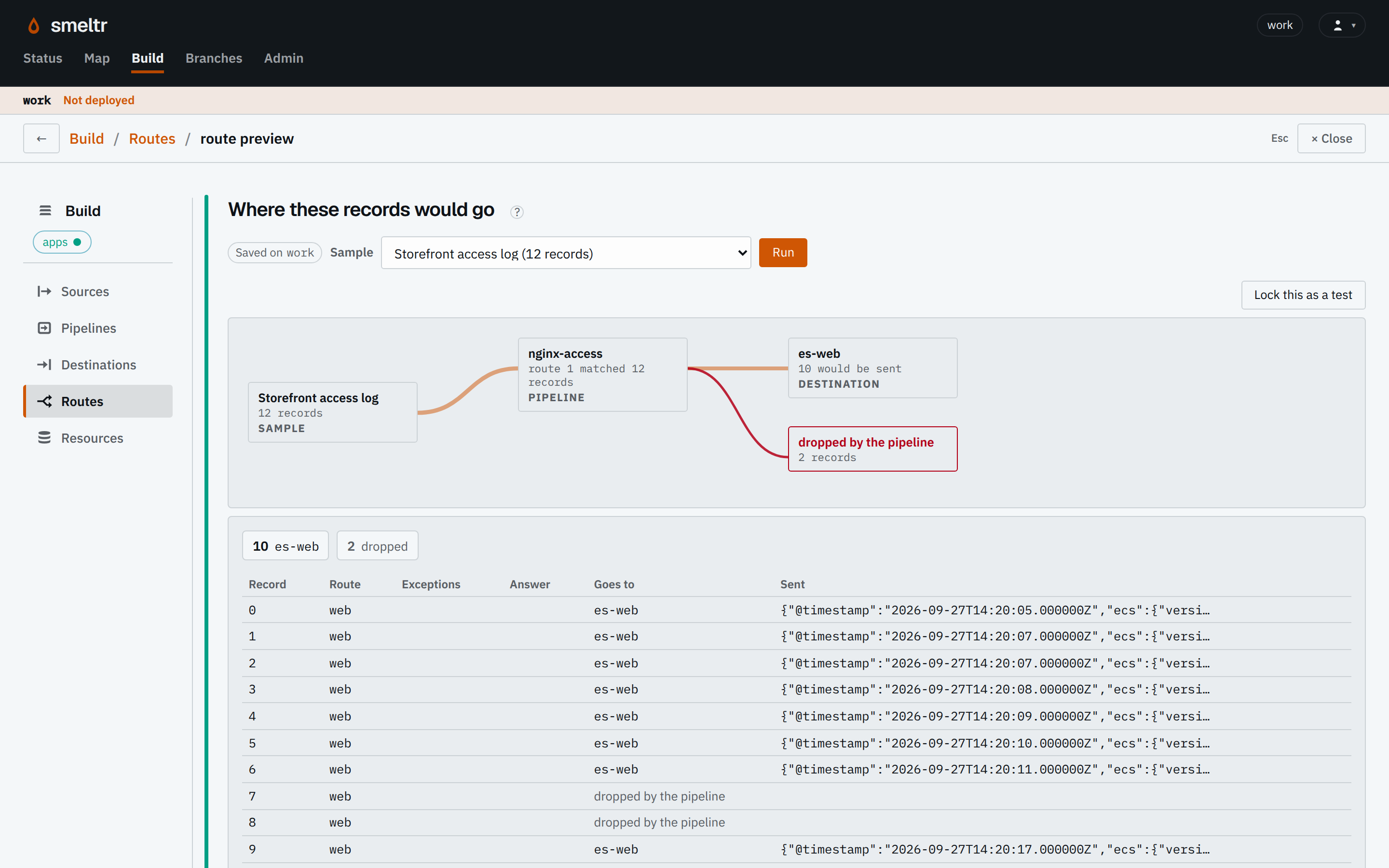
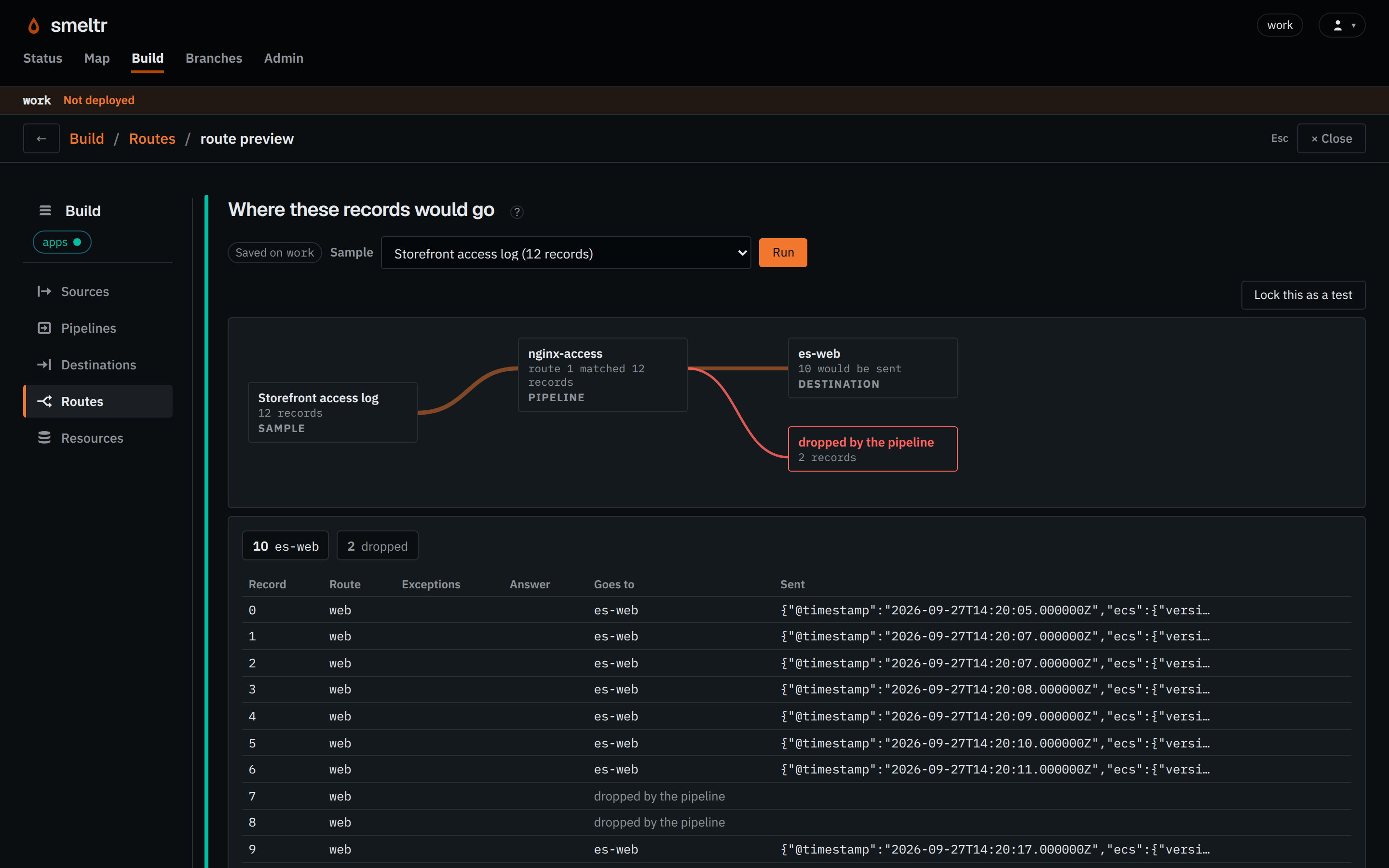
Preview records that match each route, more than one route, and no route. Then check actual destination output after deployment. The first-pipeline tutorial walks through connecting and verifying a route.