Exceptions
Follow a record from routing through processing and delivery. Whatever stops a record on the way is an exception, and you choose each exception's answer.
Find the right answer
| What happened? | Exception | Where to answer it | Default |
|---|---|---|---|
| A pipeline lost a value | a parse, math, limits or encoding kind | Routes → Exceptions | tag, or ignore for encoding |
| No route or delivery condition took it | Unmatched | Routes → Exceptions | block |
| A batch could not be processed | Unprocessable | Routes → Exceptions | block |
| A destination refused a record | Refused | Routes → Exceptions | block |
| A destination could not be reached | none | Repair its connection or service | Retry; pause input when buffers fill |
Answer exceptions
Each exception has a kind, and each kind belongs to a category: parse, math, limits, encoding or delivery. The Exceptions on the Routes page give every kind in the group one of five answers:
- ignore: the record goes on unmarked. Smeltr still counts the exception.
- tag: the record goes on with its exceptions written to the tag field.
- drop: Smeltr counts the record and discards it.
- deliver: the record goes to the destinations you pick, with its exceptions in the tag field, each in its own format.
- block: the source stops. Processing waits for a new deployment; Smeltr sends a refused record again until the destination takes it. Status → Issues shows it as Source blocked, or Blocked by destination refusals; capture it to see the records.
An answer for a category covers every kind in it, and a kind's own answer beats its category's. A record with several exceptions takes the strongest answer: block, then deliver, then drop, then tag, then ignore. The delivery kinds have no record on a route to tag, so you cannot ignore or tag them.
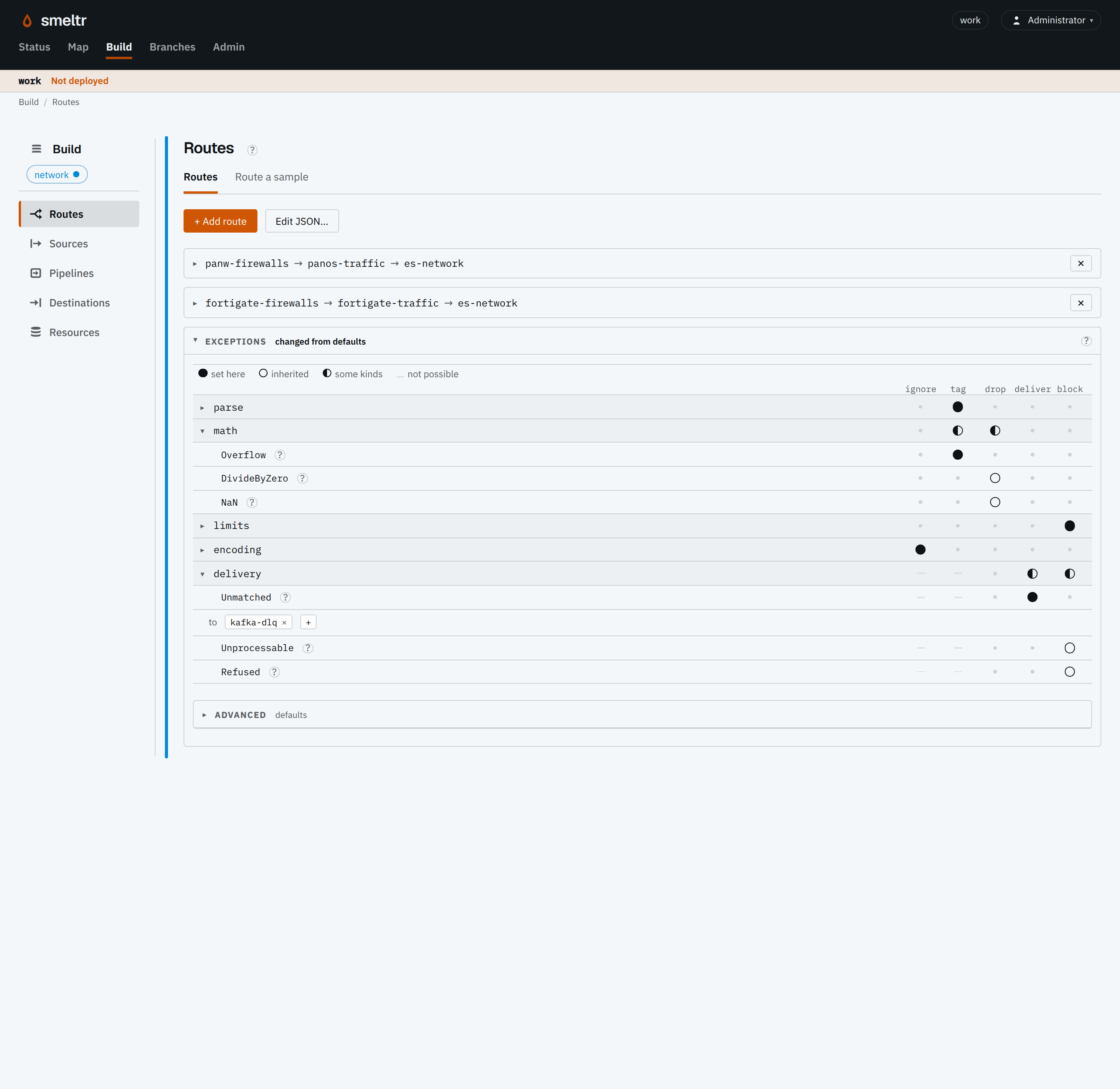
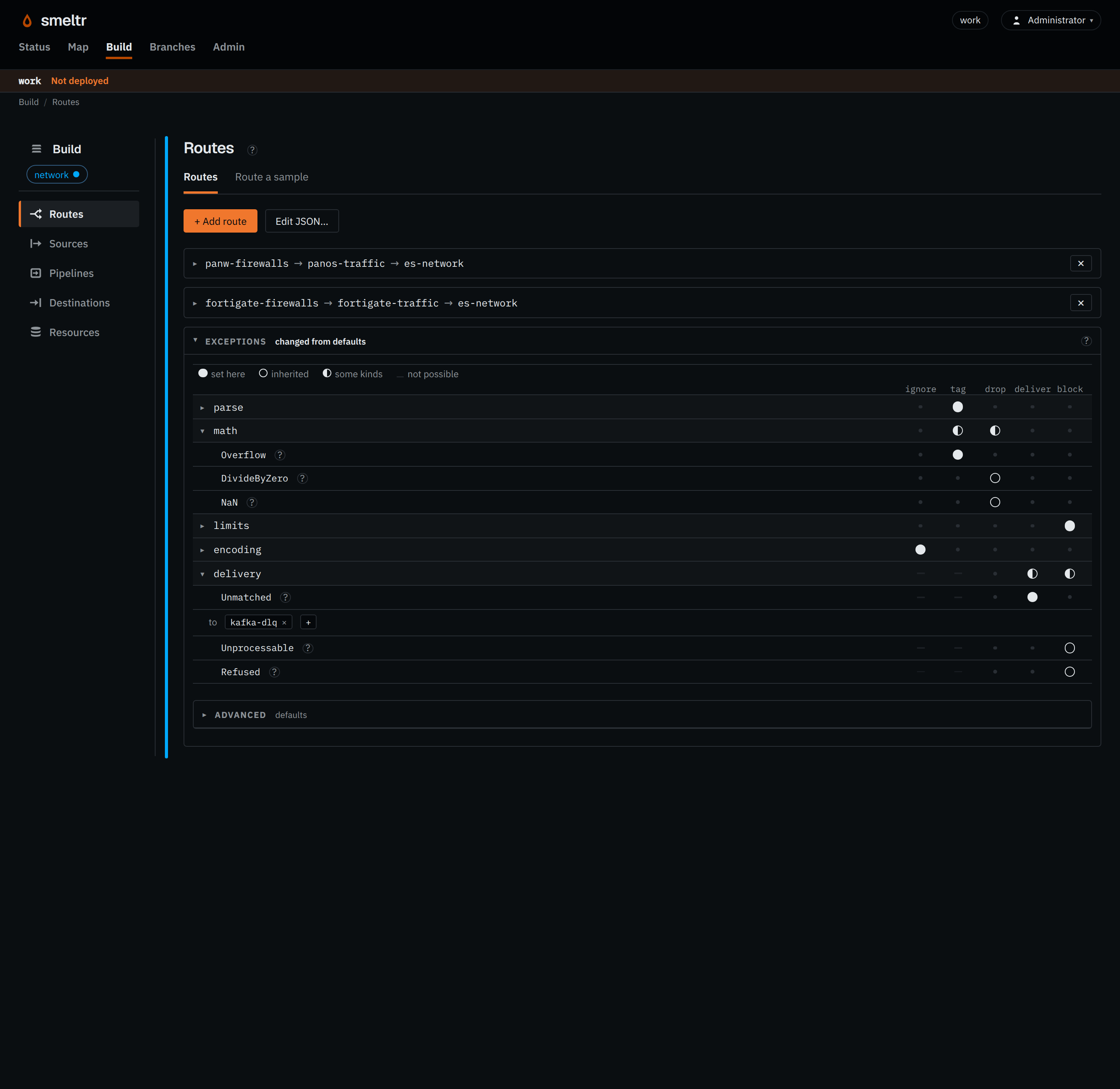
A route or a destination can answer differently from the group, under Exceptions in its card. A destination answers only the records it refuses.
Tag and route
A tagged record carries its exceptions in smeltr.exception. Delivery conditions
read that field to choose a destination. Use smeltr.exception != null to send
tagged records to an investigation destination, and smeltr.exception == null to send
only clean records to the normal one.
The Tag field, under Exceptions → Advanced, names another field for the group or for one route. If you rename it, update both conditions. See unparsable records for examples you can test.
When no route matches
A record that matches none of its source's routes is Unmatched. Blocking holds the
records and pauses the source until a new deployment: add or correct a route, or change the
answer, then review and deploy. Delivering keeps them in another destination for investigation
or later processing.
Use route conditions to decide what belongs in each pipeline. An unconditional route matches all records from its source, so no record of that source is left without a route.
Every record a pipeline finishes goes to a destination, is dropped by your pipeline, or is Unmatched: if no delivery condition takes it, it gets the Unmatched answer, delivered as the pipeline left it.
When processing cannot finish
A batch Smeltr cannot process, including a record that exceeds its memory budget, is Unprocessable. Blocking waits for a new deployment. No pipeline finished the
record, so a destination that writes the record writes {"_raw": …}.