Operations
Troubleshooting
Start with the error message, worker status and running commit.
No records arriving
Send one fresh record with a unique marker. Follow it through these checks in order; stop at the first result that does not match.
- The source has a record to read. Check the input topic, broker access, and consumer group's saved position. A metrics source needs a full bucket interval; a log source needs a new message at its selected severity. Check source input.
- The worker runs the intended configuration. Compare its running commit with the commit you deployed, and inspect its latest errors. Online alone does not prove it loaded the change. Check the running version.
- The route matches. Preview a saved sample from that source. Check the route condition, pipeline, delivery condition, and destination connection. Check the route.
- The pipeline keeps the record. Inspect each step's result for a Drop
condition or an
Unparsableexception. Test a record that should pass as well as one the pipeline should filter out. Check unparsable records. - The destination accepts it. Check Status → Issues and Logs for connection or refusal errors, then inspect the actual output topic or index for your marker. A preview does not send data. Check delivery.
The worked Kafka delivery check includes a producer command and a script that verifies the transformed record.
Leader will not start
| Symptom | Check | Fix |
|---|---|---|
| Permission error | Service account and configured paths | Grant access to data, sealing key and certificate files. The leader must own its data directory and the sealing key's directory; on Kubernetes, point both inside their volumes. |
| Address already in use | Bind address and port | Stop the conflicting listener or choose an available port. |
| Configuration rejected | Startup error and TOML keys | Correct the named setting. Use HTTPS for non-loopback browser origins. |
| A store is damaged | The file the startup error names | For leader.db, put the copy the error names, or your own backup, in its
place, remove its -wal and -shm files, and start again.
Changes since that copy are lost. For repos/config.git, restore a sound
copy. With a Git host, you can move it aside instead: the leader takes the host's main, and saves you never pushed stay only in the moved copy. With neither,
moving it aside starts an empty configuration, and workers run nothing until you write
it again. |
Worker offline or unable to enroll
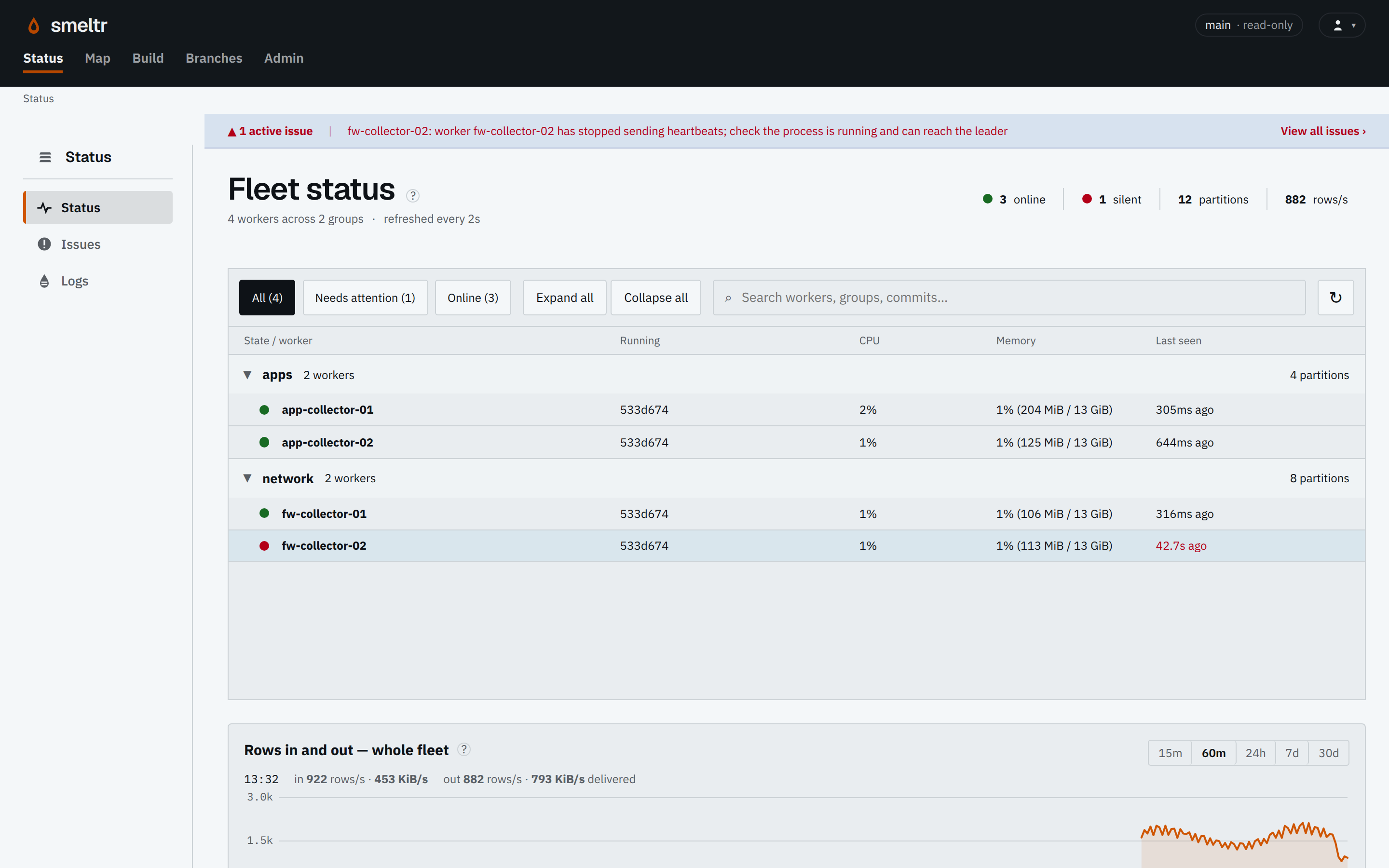
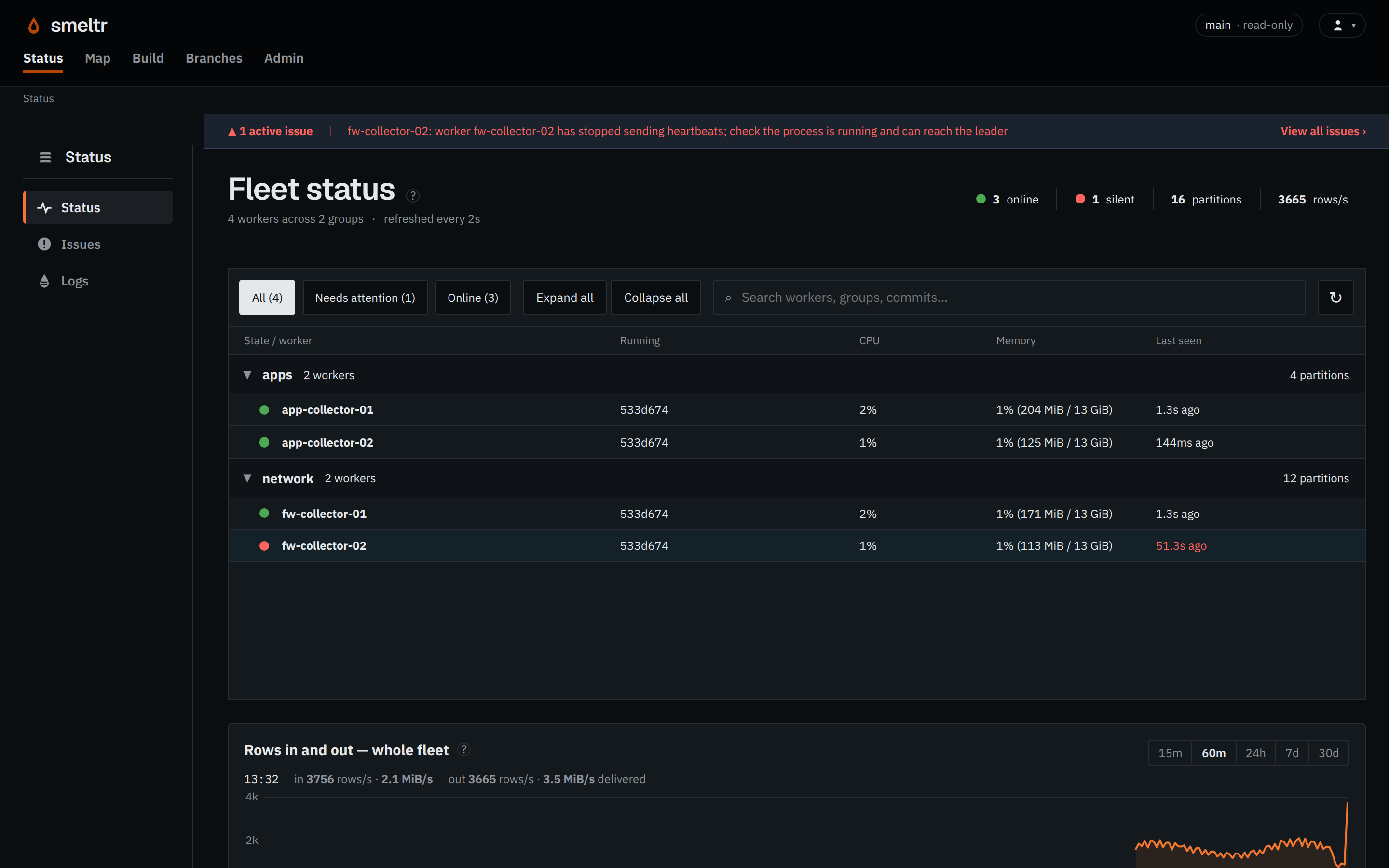
If a worker appears offline, check its last heartbeat and whether the process is running on the host. Read its local logs for connection or certificate errors and restore its connection to the leader. Preserve its state directory if you restart it. A worker can keep processing cached configuration while the leader is unreachable; check destination output as well as its status.
| Symptom | Check | Fix |
|---|---|---|
| Cannot reach leader | DNS, routing and worker.leader.url | Use an address reachable from the worker. |
| Certificate rejected | Server name and enrollment code trust mode | Fix the certificate or trust configuration. Check worker.leader.ca only if explicitly set. |
| Enrollment refused | Enrollment code expiry, remaining uses, withdrawal, a replaced leader authority and deployed group | Correct the group or create a new enrollment code; read the error before replacing credentials. |
| Restarted with exit code 75 | worker.enrolled_again in its log | None. The leader had forgotten it, so it enrolled again as a new worker and restarted as it. |
| Refused and not enrolling again | worker.not_enrolled_again in its log | Its enrollment code was withdrawn, used up or expired, or the leader's authority was replaced. Mint another, give it to the worker (on Kubernetes, update the Secret), and restart it. |
Unexpected deployment state
| Symptom | Check | Fix |
|---|---|---|
| Worker Commit differs from deployed main | Worker active issues and last-seen time | Fix the reported fetch or compile error; verify the running commit afterward. |
| Worker kept its previous configuration | Leader reachability and unreachable timeout | Restore connectivity and inspect Status. Do not edit worker configuration files directly. |
Certificate failures
| Symptom | Check | Fix |
|---|---|---|
| Expired certificate | Certificate dates | Renew at the leader or proxy that serves it. |
| Name mismatch | Public origin, worker URL and certificate names | Correct the URL or issue a certificate covering the required names. |
| Untrusted authority | Browser and worker trust stores | Install the verified public CA where needed; never disable verification. |