Pipeline reference
Call step
A Call step runs another pipeline's steps at its place in this pipeline, so steps that several pipelines share live in one pipeline of their own.
Example
Pipeline stamp-ecs
{
  "id": "stamp",
  "type": "eval",
  "assignments": [{ "target": "ecs.version", "expr": "\"8.11\"" }]
}
Step

Saved JSON
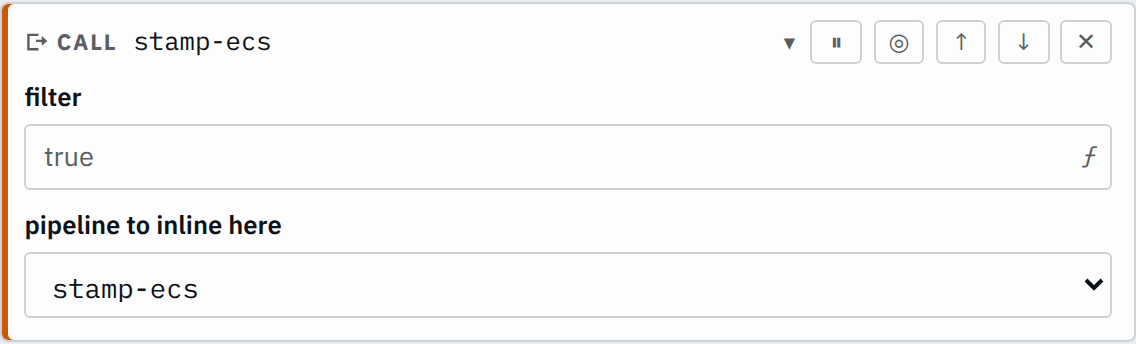
{ "id": "call", "type": "call", "pipeline": "stamp-ecs" }Input
{
  "status": 503,
  "path": "/pay"
}
{
"status": 200,
"path": "/home"
}Output
{
  "status": 503,
  "path": "/pay",
  "ecs": {
    "version": "8.11"
  }
}
{
"status": 200,
"path": "/home",
"ecs": {
"version": "8.11"
}
}This pipeline calls stamp-ecs, which holds one Eval step
that stamps every record with the ECS version.
Settings
It also takes the settings every step takes.
pipeline pipeline required
The id of the pipeline whose steps run here.
normalizeThe GUI offers the other pipelines on the Pipelines page for pipeline.
How it works
When the configuration loads, Smeltr replaces the Call step with the steps of the pipeline it names. Those steps then run as if they were written here: later steps read the fields they write. A change to the called pipeline reaches every pipeline that calls it. Smeltr saves the called pipeline only when it compiles on its own, so its steps read only the fields it parses or writes itself.
The called pipeline's steps can hold Call steps of their own. The exceptions setting of the record's own pipeline answers an exception in a called step.
A disabled Call step does not look up its pipeline, so it may name one that does not exist.
Call selected records
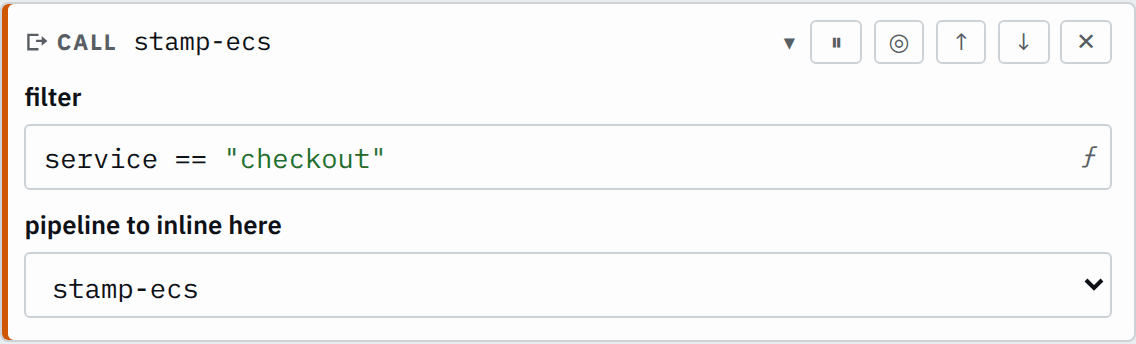
With a filter, the called steps run as the then branch of an If step whose condition is the filter. Records where it is false or null pass the Call step unchanged. A filtered Call step therefore refuses a called pipeline that holds an Unroll step, as an If step does.
This Call step stamps only the checkout records:
Pipeline stamp-ecs
{
  "id": "stamp",
  "type": "eval",
  "assignments": [{ "target": "ecs.version", "expr": "\"8.11\"" }]
}
Step

Saved JSON
{
  "id": "call",
  "type": "call",
  "filter": "service == \"checkout\"",
  "pipeline": "stamp-ecs"
}
Input
{
  "status": 503,
  "service": "checkout"
}
{
"status": 503,
"service": "search"
}Output
{
  "status": 503,
  "service": "checkout",
  "ecs": {
    "version": "8.11"
  }
}
{
"status": 503,
"service": "search"
}Step ids and cycles
Every step id in a pipeline is unique, counting the ids of the steps its Call steps bring in. A pipeline can therefore call a given pipeline only once, and a called step may not share an id with a step of the caller.
Saving refuses a Call step that names a pipeline that does not exist. It also refuses a pipeline that calls itself, directly or through other pipelines, and its error names the chain of pipelines.