Pipeline reference
Unroll step
An Unroll step turns one record with an array field into one record per item, each holding one item under the array's name.
The field must hold an array, such as one a parser declares as an array.
Example
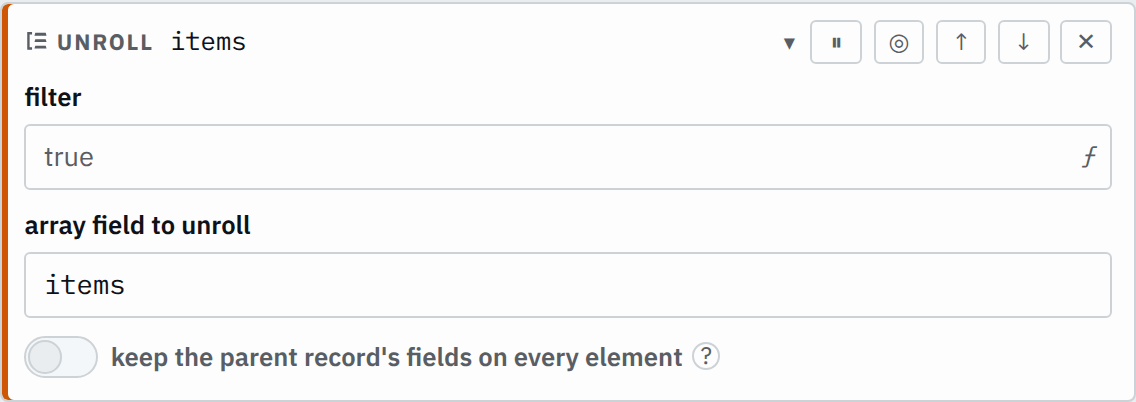
The parser declares items as an array of str. With keepParentFields off, the step does not carry over order:
Step

Saved JSON
{ "id": "unroll", "type": "unroll", "field": "items" }Input
{
  "order": 17,
  "items": ["apple", "pear"]
}Output
{
  "items": "apple"
}
{
"items": "pear"
}Settings
It also takes the settings every step takes.
field field required
The field that holds the array.
itemsorder.lineskeepParentFields bool default false
Whether every new record also carries the original record's other fields.
How it works
For each item of the array, the step makes a record. The array field in that record holds the item itself, so later steps read it as one value of the item's type. The new records keep the order of the items, and the records of a batch keep their order too.
Keep the parent record's fields
With keepParentFields on, each new record gets a copy of every other field of the
original record, including _raw, the whole source record. A large record with a
long array then costs memory in proportion to the record's size times the array's length. Off,
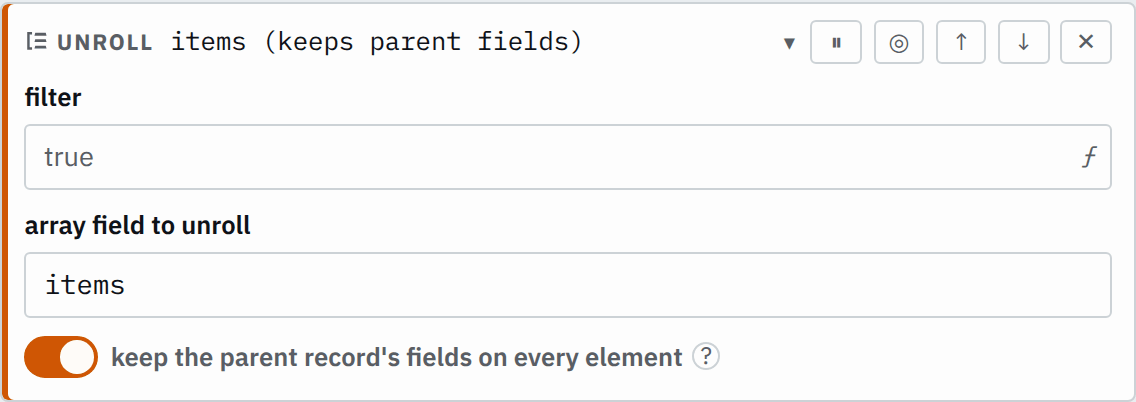
each new record carries only its own item. In the editor, turn on keep the parent record's fields on every element.
The same record with the setting on:
Step

Saved JSON
{
  "id": "unroll",
  "type": "unroll",
  "field": "items",
  "keepParentFields": true
}
Input
{
  "order": 17,
  "items": ["apple", "pear"]
}Output
{
  "order": 17,
  "items": "apple"
}
{
"order": 17,
"items": "pear"
}The Unroll examples leave out _raw.
Empty, null and missing arrays
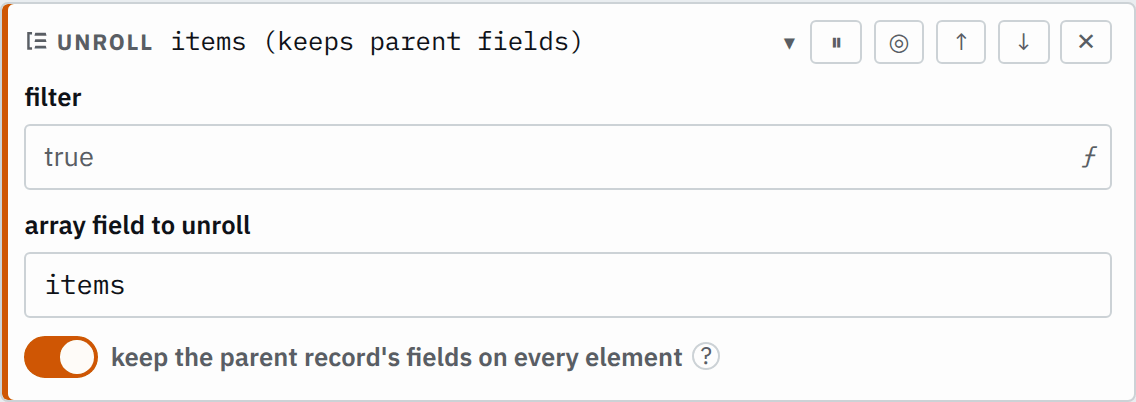
A record whose array is empty, null or missing makes no records. It leaves the pipeline at this step:
Step

Saved JSON
{
  "id": "unroll",
  "type": "unroll",
  "field": "items",
  "keepParentFields": true
}
Input
{
  "order": 17,
  "items": ["apple"]
}
{
"order": 18,
"items": []
}{
"order": 19,
"items": null
}{
"order": 20
}Output
{
  "order": 17,
  "items": "apple"
}
Where it can go
An Unroll step changes how many records there are, so it runs on every record. Its filter must stay blank, and it cannot sit inside an If step; saving either is an error. To work on some of the new
records, add an If step or a Drop step after the Unroll step.