Pipeline reference
Rename step
A Rename step moves each field it names to a new name, and the value keeps its type.
Each pair names a field to move from, from, and the name to move it to, to. Each pair is the Code statement move(from, to);.
Example
Step
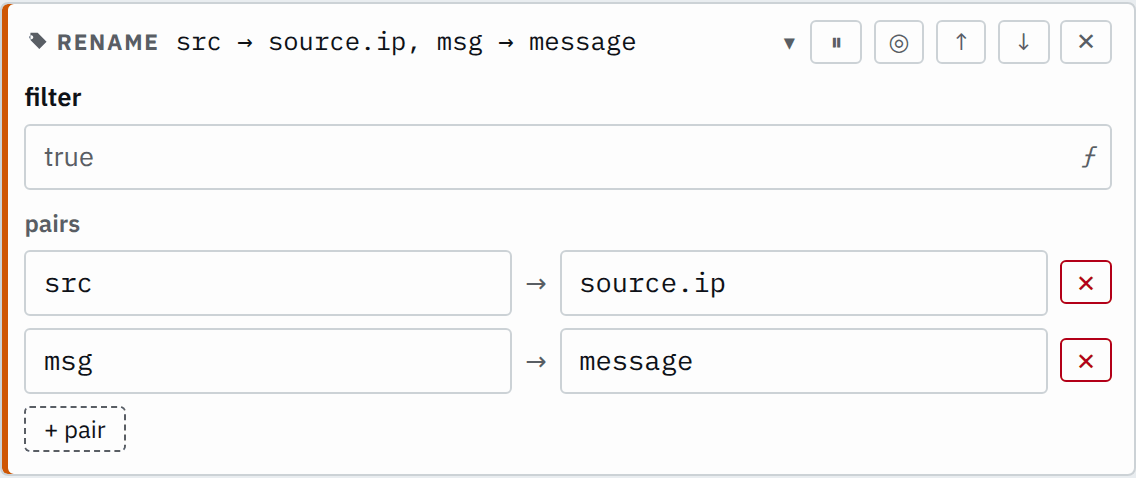

Saved JSON
{
  "id": "rename",
  "type": "rename",
  "pairs": [
    { "from": "src", "to": "source.ip" },
    { "from": "msg", "to": "message" }
  ]
}
Input
{ "src": "10.0.0.1", "msg": "login ok", "status": 200}Output
{ "message": "login ok", "source": { "ip": "10.0.0.1" }, "status": 200}No pair names status, so it passes through unchanged.
Settings
It also takes the settings every step takes.
pairs list of pairs required
Each pair moves the field from to to, in order.
[{"from": "msg","to": "message"}][{"from": "src","to": "client.ip"},{"from": "dst","to": "server.ip"}]In the editor, a new Rename step starts with one empty pair, and + pair adds a row.
How it works
Later steps and destinations read the value under its new name only. A dot in the new name nests
it, so source.ip puts the value in an object source.
Objects and existing names
Renaming an object moves it whole, with every field inside it:
Step
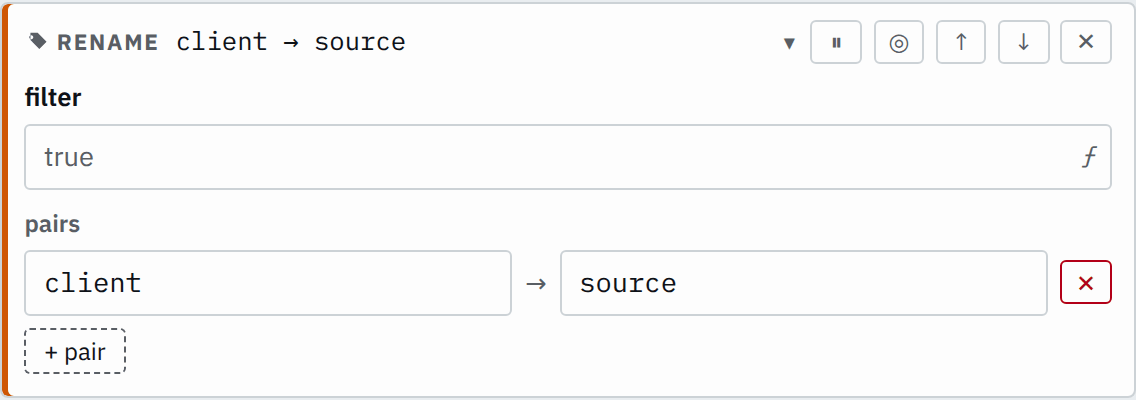

Saved JSON
{
  "id": "rename",
  "type": "rename",
  "pairs": [{ "from": "client", "to": "source" }]
}
Input
{ "client": { "ip": "10.0.0.1", "port": 51234 }}Output
{ "source": { "ip": "10.0.0.1", "port": 51234 }}A rename onto a name that already holds a value replaces that value:
Step
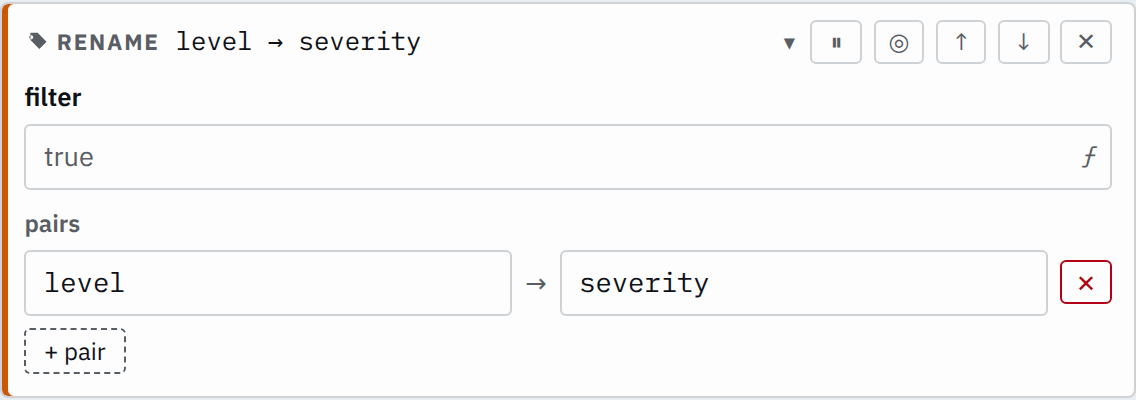

Saved JSON
{
  "id": "rename",
  "type": "rename",
  "pairs": [{ "from": "level", "to": "severity" }]
}
Input
{ "level": "warn", "severity": 4}Output
{ "severity": "warn"}Rename selected records
With a filter, the step renames only records where it is true. A record where it is false or null passes the step unchanged. A Rename step inside an If step branch works the same way: it renames only the records on that branch.
The parser declares kind and addr as str.
Step
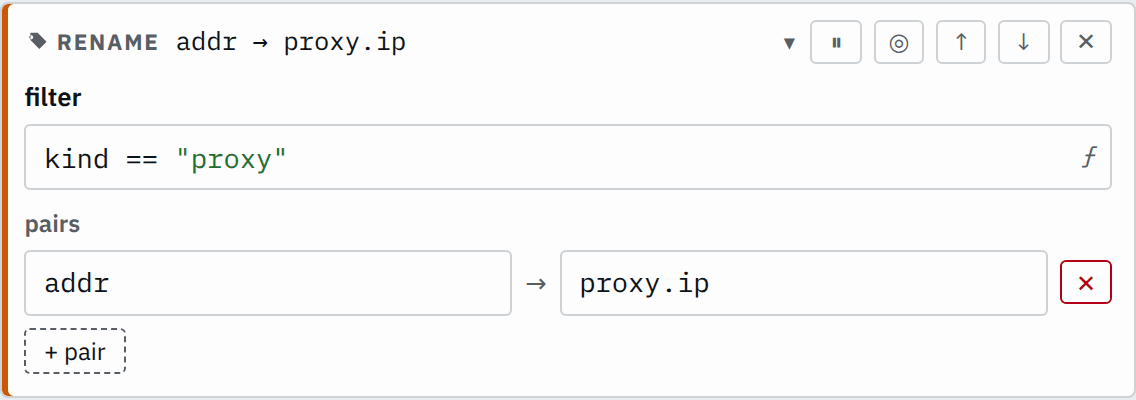

Saved JSON
{
  "id": "rename",
  "type": "rename",
  "filter": "kind == \"proxy\"",
  "pairs": [{ "from": "addr", "to": "proxy.ip" }]
}
Input
{
  "kind": "proxy",
  "addr": "10.0.0.9"
}
{
"kind": "client",
"addr": "10.0.0.1"
}Output
{
  "kind": "proxy",
  "proxy": {
    "ip": "10.0.0.9"
  }
}
{
"kind": "client",
"addr": "10.0.0.1"
}Missing fields
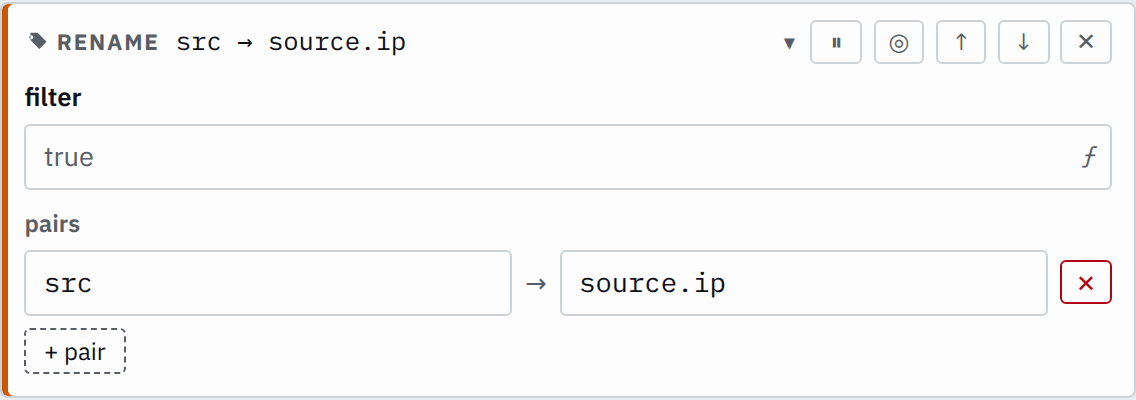
A record without the from field passes the step unchanged:
Step

Saved JSON
{
  "id": "rename",
  "type": "rename",
  "pairs": [{ "from": "src", "to": "source.ip" }]
}
Input
{
  "src": "10.0.0.1"
}
{
"status": 200
}Output
{
  "source": {
    "ip": "10.0.0.1"
  }
}
{
"status": 200
}